







Description
Autodesk AutoCAD
The Autodesk AutoCAD Education license includes all features and can be used for personal purposes or for training and educational purposes. It does not include watermarks or references to the education version in printed files, ensuring a user experience equivalent to that of the professional version.
If you're looking for the version for businesses and professionals, [click here].
Tools Included in AutoCAD 2024–2027
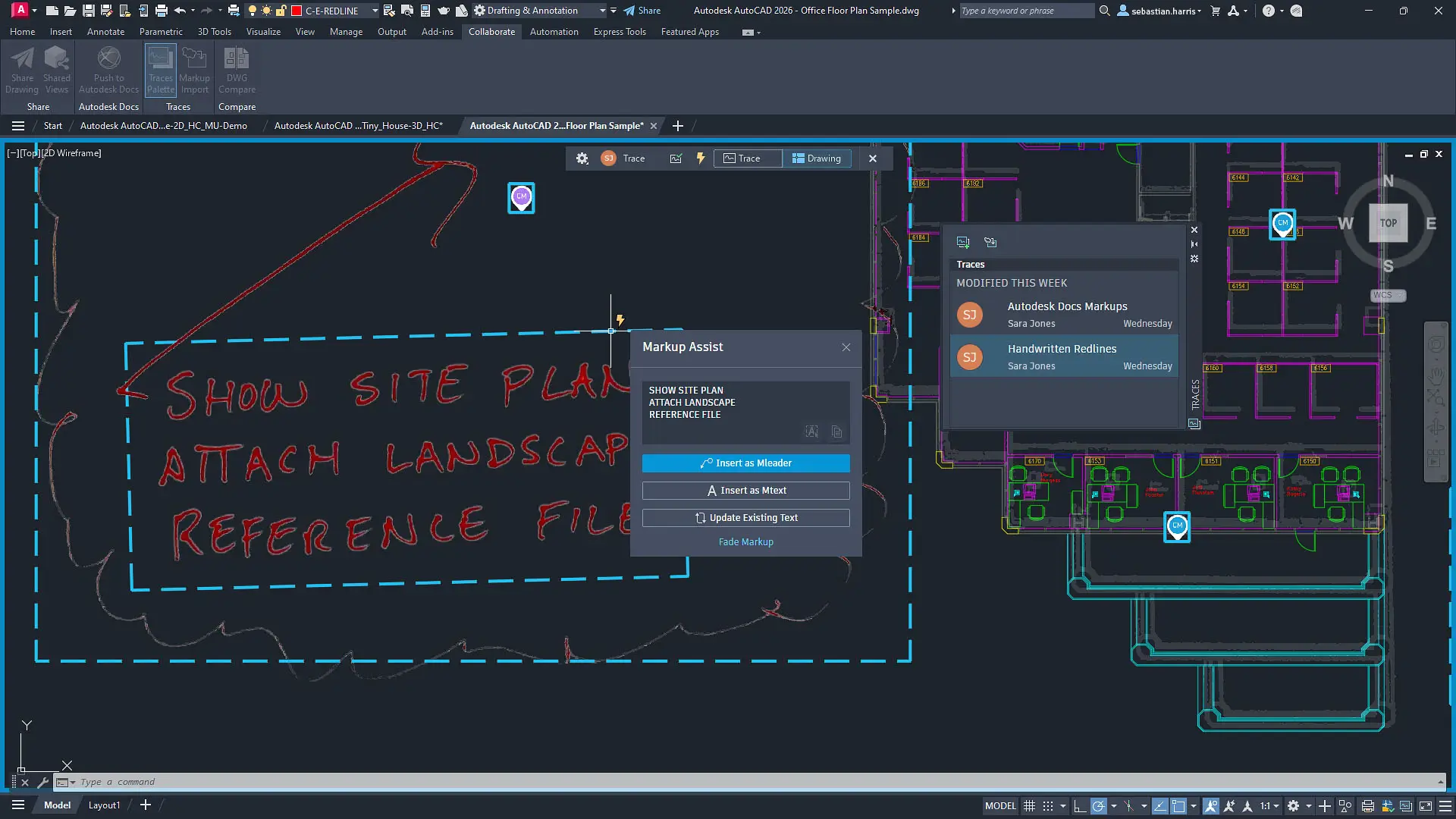
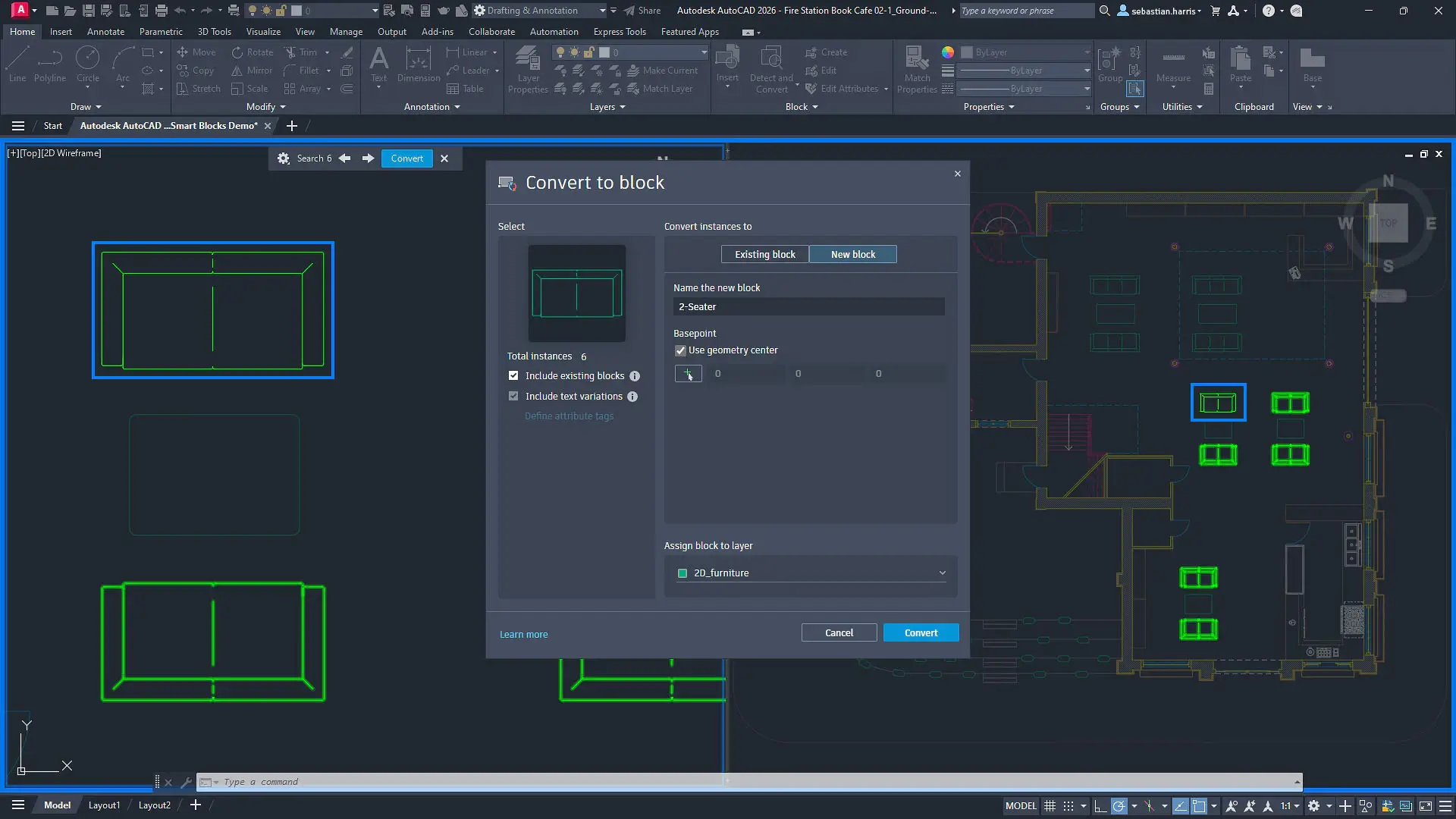
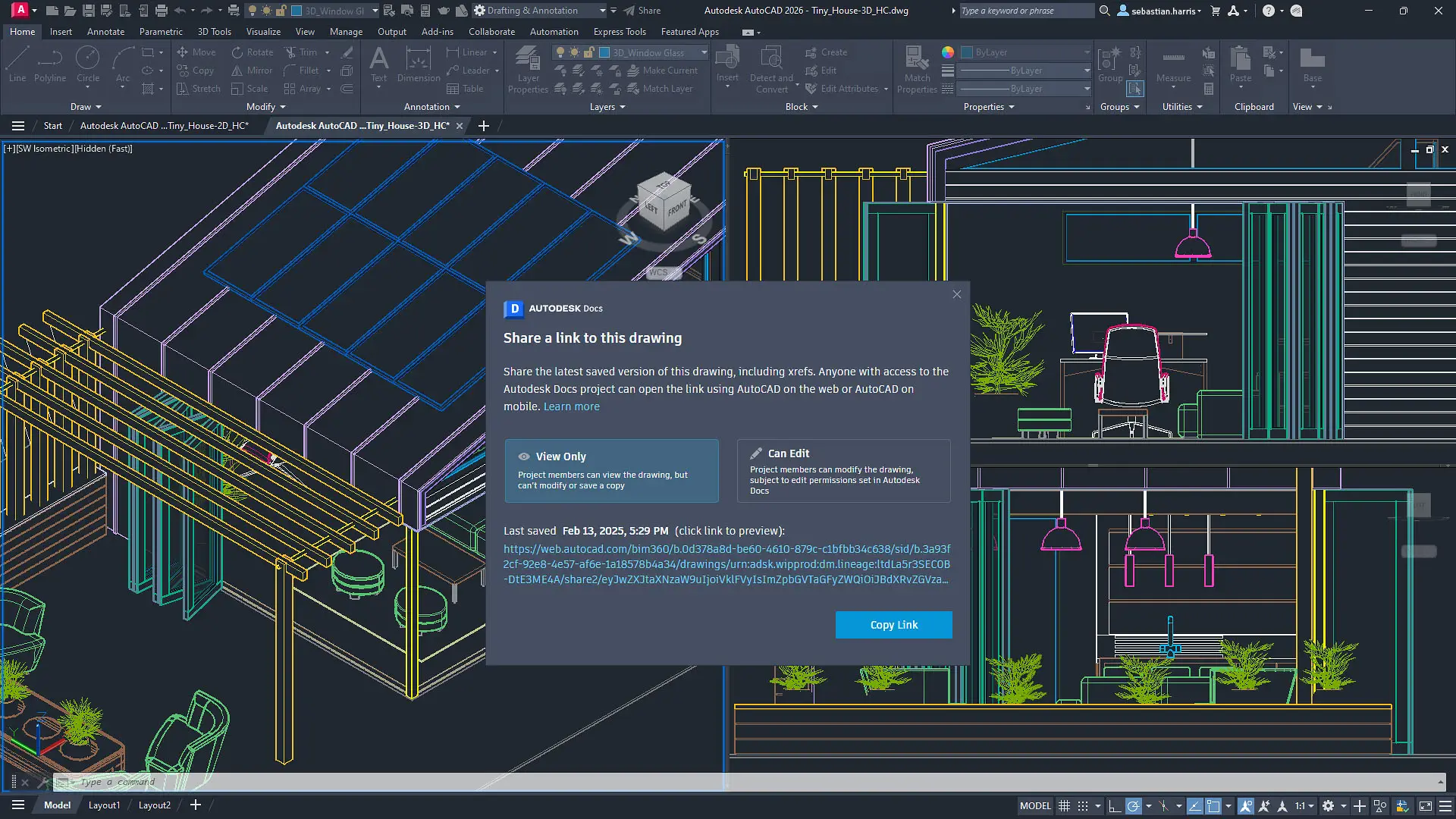
This version of AutoCAD includes a comprehensive collection of specialized tool sets designed to improve efficiency across various professional fields. Each tool set is designed to streamline the design process and boost overall productivity.
-
AutoCAD Standard: The basic version of the software, complete with all the essential tools for 2D and 3D design.
-
AutoCAD Architecture: Optimized for architects, it includes features designed for creating and documenting architectural drawings.
-
AutoCAD Electrical: Designed for creating and managing electrical schematics, systems, and automated controls.
-
AutoCAD MEP: Designed specifically for the MEP sector (mechanical, electrical, and plumbing), it facilitates the design and coordination of building services systems.
-
AutoCAD Map 3D: Integrates CAD and GIS data for infrastructure planning and management, useful for civil and environmental engineering.
-
AutoCAD Mechanical: Designed for mechanical engineers, it offers libraries and tools for automating mechanical design.
-
AutoCAD Plant 3D: Designed for industrial plant design, with tools for P&ID diagrams and 3D modeling of piping and equipment.
-
AutoCAD Raster Design: Allows you to convert raster images into vector DWG objects, which is useful for digitizing paper-based drawings.
-
AutoCAD Web: Full access to the software via a web browser, with no installation required.
-
AutoCAD Web – Mobile App: A version optimized for smartphones and tablets, perfect for working on the go.
-
AutoCAD for Mac: All the power of AutoCAD with a native macOS interface. It lets you design down to the finest detail with enhanced tools and built-in collaboration across desktop, cloud, and mobile apps.
Autodesk AutoCAD Download
When you purchase Autodesk AutoCAD, you will receive:
- Download and Installation: The software can be downloaded directly from the official Autodesk website, using only secure and official links.
- Activation Key: We include the product key required for activation, along with all the instructions for proper installation.
Installation Support: Our technical support team is available Monday through Friday from 9:00 AM to 6:00 PM CET.
Frequently Asked Questions (FAQs)
- What is Autodesk AutoCAD?
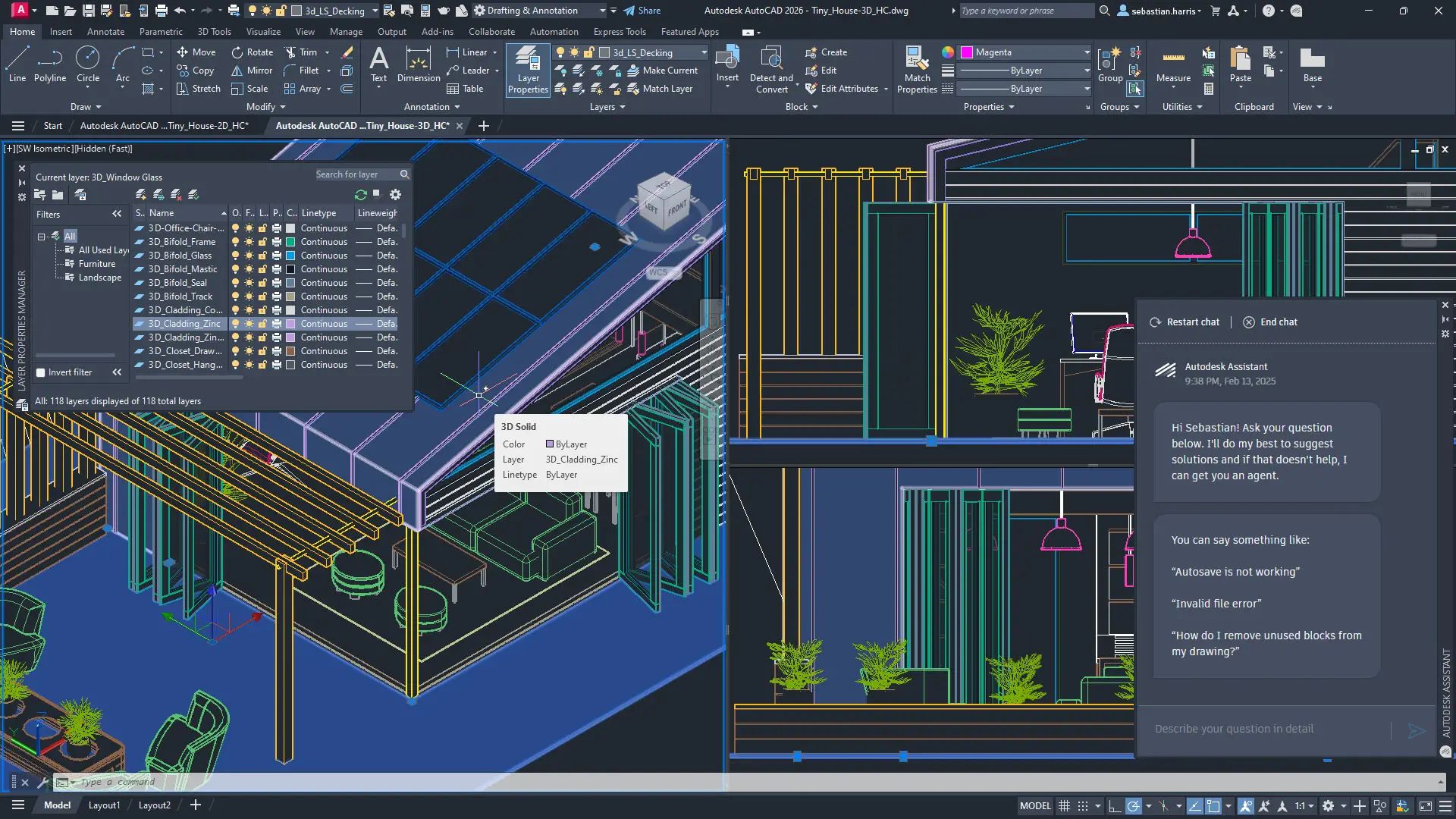
Autodesk AutoCAD is one of the most widely used CAD software programs in the world, recognized as a standard in the engineering, architecture, and design industries. It allows users to create, edit, and document 2D and 3D designs. - Where can I download Autodesk AutoCAD?
The software can be downloaded directly from the official Autodesk website. Once you’ve purchased it, you’ll receive the product key for activation and installation instructions. - Is the license perpetual?
No, the license is valid for one or three years, depending on the user's choice. - Is the download available on the official website?
Yes, the software can only be downloaded from the official Autodesk website; there are no external links. - What should I do if I can't install the software?
We offer remote support Monday through Friday from 9:00 a.m. to 6:00 p.m. CET to help you with software installation and configuration. - What is the difference between this license and the original Autodesk license?
The license we offer is genuine and is activated directly on your Autodesk account. You will have access to all features, updates, and official support—just like the license sold directly by Autodesk.
- Do you have a non-educational AutoCAD for Mac license?
Yes! We offer the commercial version of AutoCAD for Mac, with no restrictions and full functionality.
- Can you issue a purchase invoice for the licenses?
Yes, we can issue an invoice. Just provide us with your billing information at the time of purchase. - Is the license valid for one year, a calendar year, until 12/31/25, or 12 months?
The license is valid for 12 calendar months from the activation date; it is not based on the calendar year.